The Challenge
The legacy CPQ was outdated, slow, and not aligned with the industry shift toward AI-assisted configuration. Users struggled with hidden complexity, disconnected admin logic, and workflows that demanded far more effort than necessary.
My Approach
I reimagined the system from the ground up — auditing every legacy flow, co-creating with stakeholders, and designing a modern, AI-assisted experience that balances automation with human control.
Why this project mattered
When I first examined the legacy configurator, it was clear the product had reached its ceiling.
It couldn’t support the speed or intelligence that modern sales workflows demanded.
More importantly, the industry had begun shifting rapidly toward AI-assisted CPQ, and our platform was falling behind. Competitors were already exploring:
Guided selling through AI
AI-driven rules validation
Automated configuration suggestions
And our users were feeling the difference.
This redesign was not just a UI upgrade —
it was a strategic move to future-proof the product and align it with where B2B configuration is going.
“We weren’t redesigning UI — we were redesigning our competitive edge.”
— PM“We needed a tool that didn’t just look new — it needed to behave smarter for our users.” — VP of Design
My role
My responsibilities spanned the entire lifecycle:
Product discovery with CEO & stakeholders
Creating clarity out of chaos (auditing legacy flows)
Designing a scalable system across End-User & Admin panels
Facilitating cross-functional workshops
Collaborating deeply with PM & VP of Design
Establishing feasibility with dev architects
Final handoff and implementation QA
But beyond tasks, I took on something bigger:
Owning the narrative — ensuring every decision we made had purpose, empathy, and business impact.
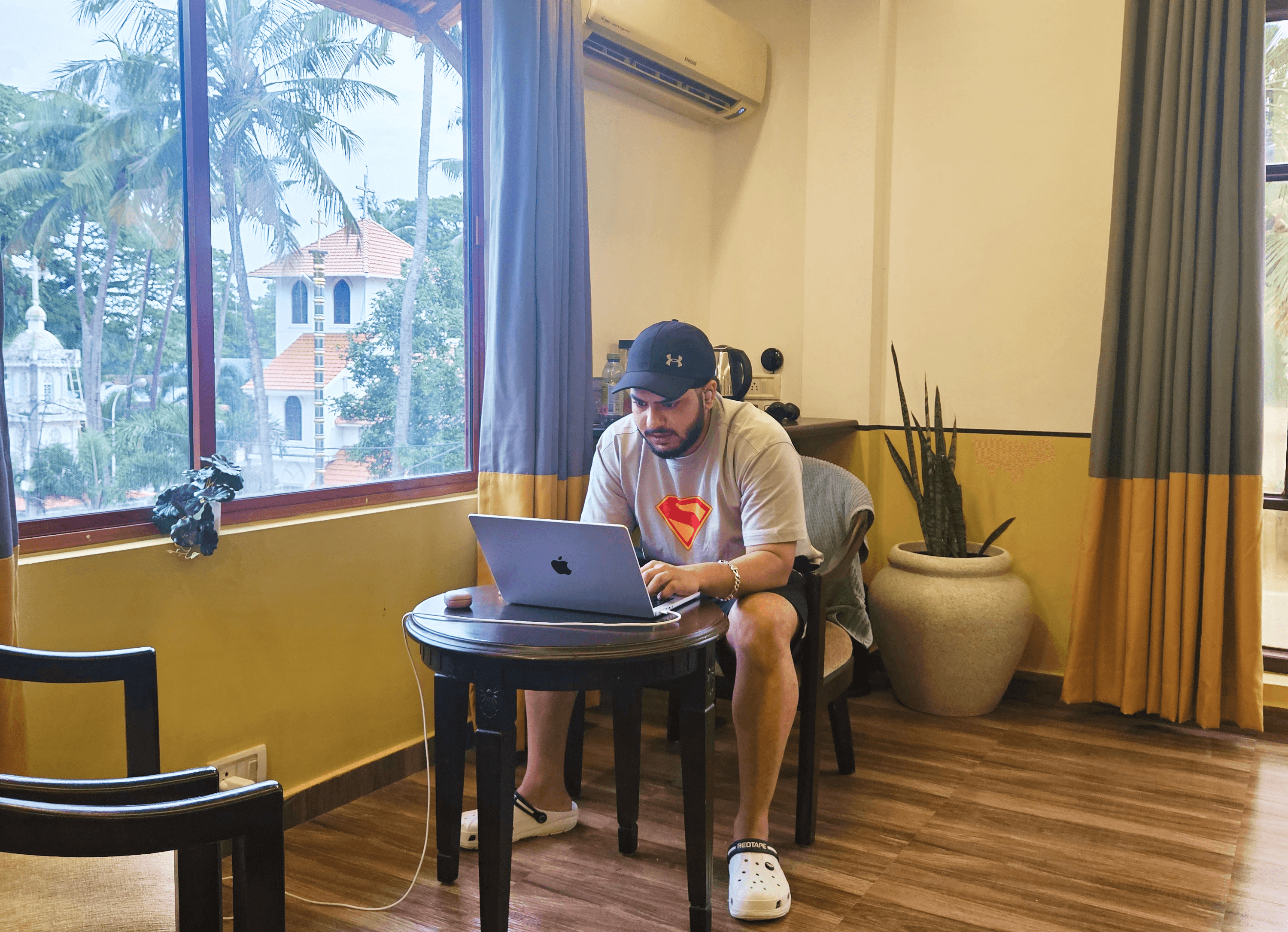
*A snapshot of me working on this project during a workation in Kochi, Kerala.
Kickoff with the CEO
Our very first call was with the CEO.
Not for approvals — but for alignment.
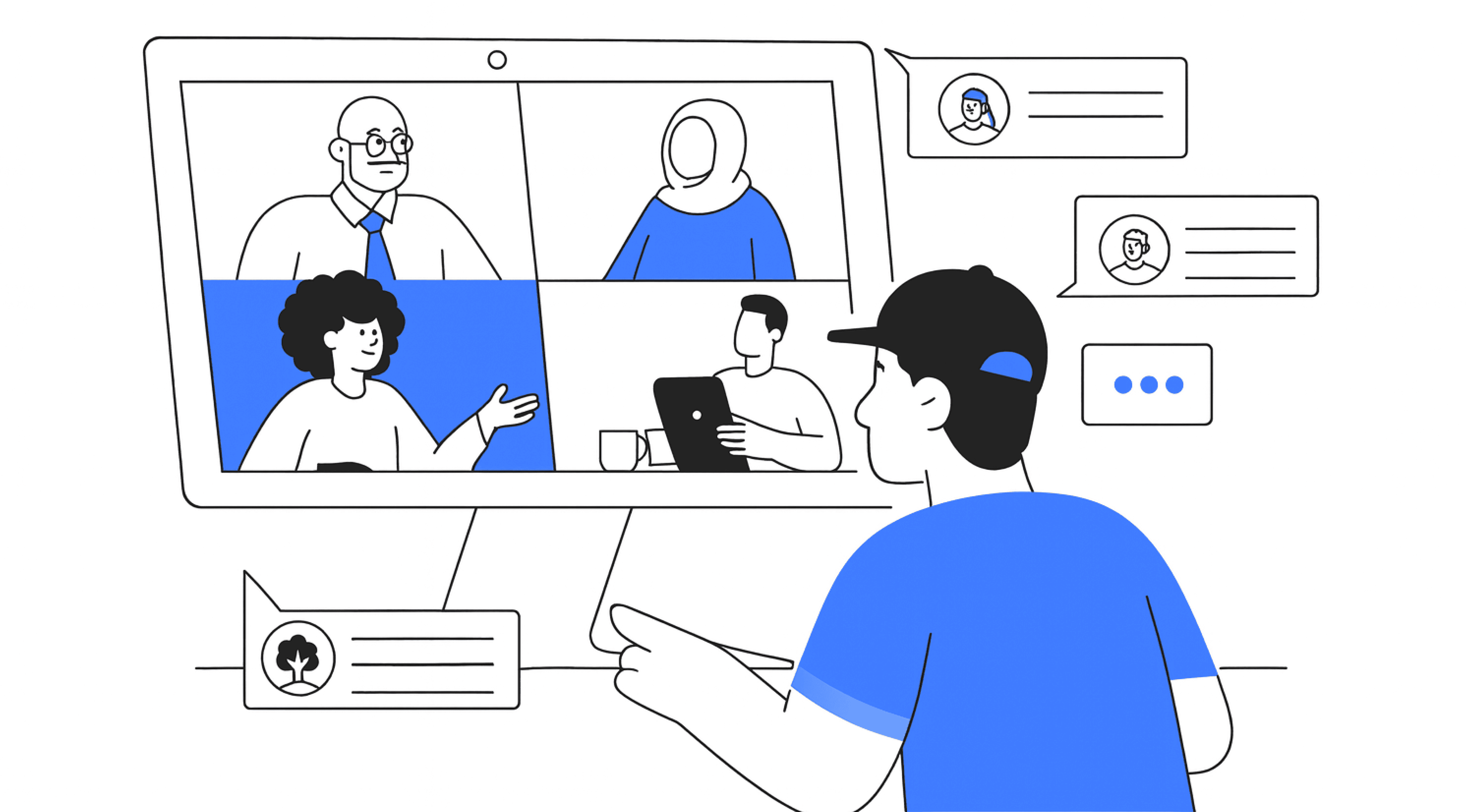
He described his vision:
“Our Customer's sales cycle needs to shrink — reps should be able to configure and quote in minutes, not hours.”
“Right now, we lose time because reps manually adjust configurations. I want AI to eliminate 70–80% of that effort.”
“The AI should be smart enough to suggest the right bundles and warn users before they break a rule.”
“I want a UI we’re proud to demo to an enterprise customer without preparation. That’s the bar.”
My thought process:
I approached this call like a strategist.
Understanding the "why" up front helped define the guardrails for every future decision.
Why are sales reps spending more time configuring than selling?
Why do we believe AI is the right accelerator for this workflow now?
Why do configurations vary so much between different teams or regions?
Why do live demos require separate decks instead of using the product directly?
Why do admins rely on spreadsheets or external documents to manage rules?
Why are conflict messages unclear or easily missed by users?
Why do complex products still require manual review despite having rules?
Why is critical information hidden below the fold in the current UI?
Why do customers often need follow-up clarifications during configuration calls?
Why is the current configurator unable to scale to new industries or pricing models?
Auditing the Legacy System (Becoming a Detective 🕵️)
So, I pulled every legacy screen into Miro — hundreds of flows.
I treated this audit like forensic analysis.
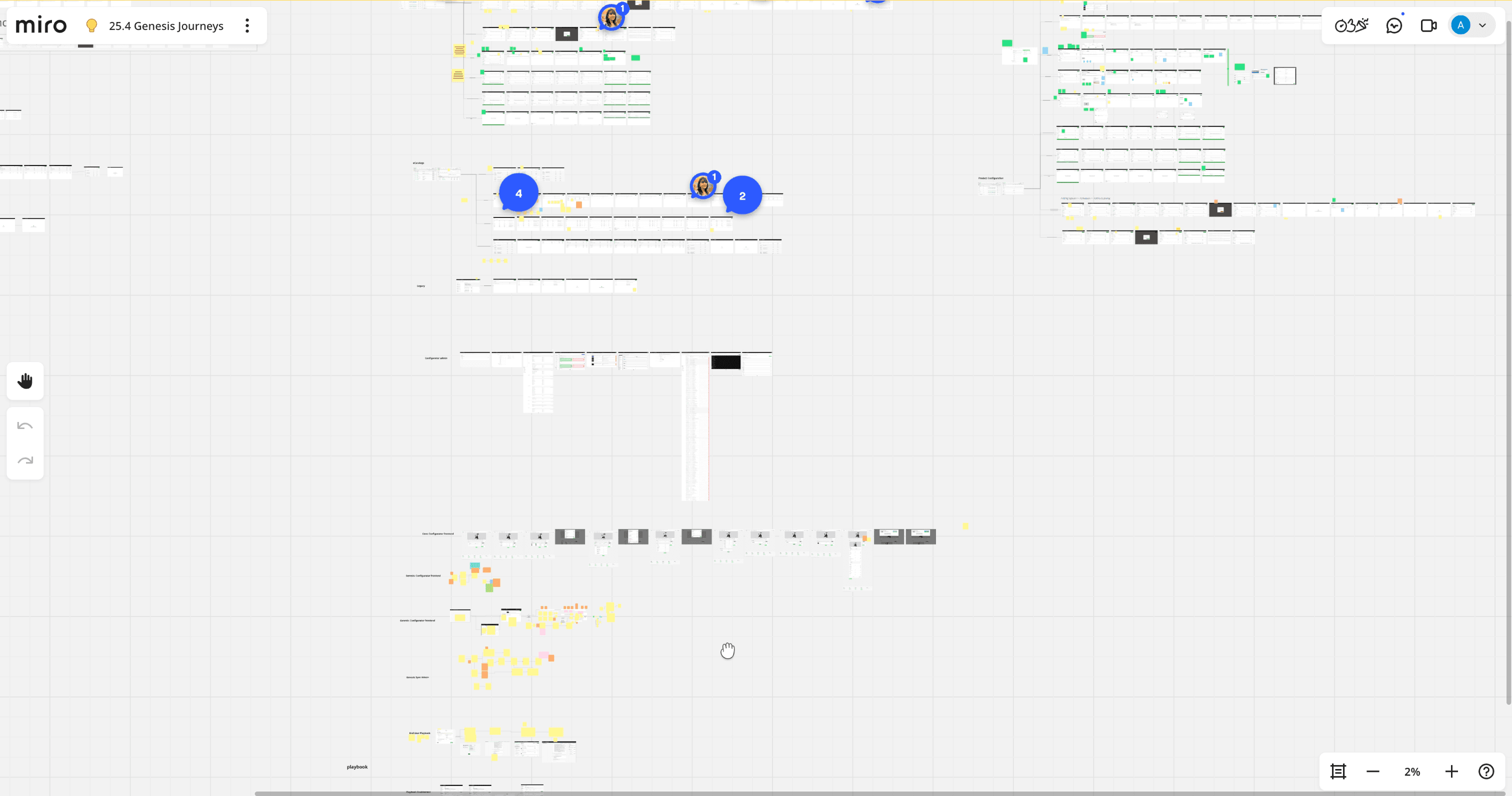
*A snapshot of miro board while auditing legacy configurator designs.
Before proposing improvement, I needed to understand:
What breaks?
What slows users down?
Where does cognitive overload occur?
Which patterns contradict expectations?
This step gave me clarity that no stakeholder could articulate on their own.
It also helped everyone see:
The system needed systemic fixes — not cosmetic upgrades.
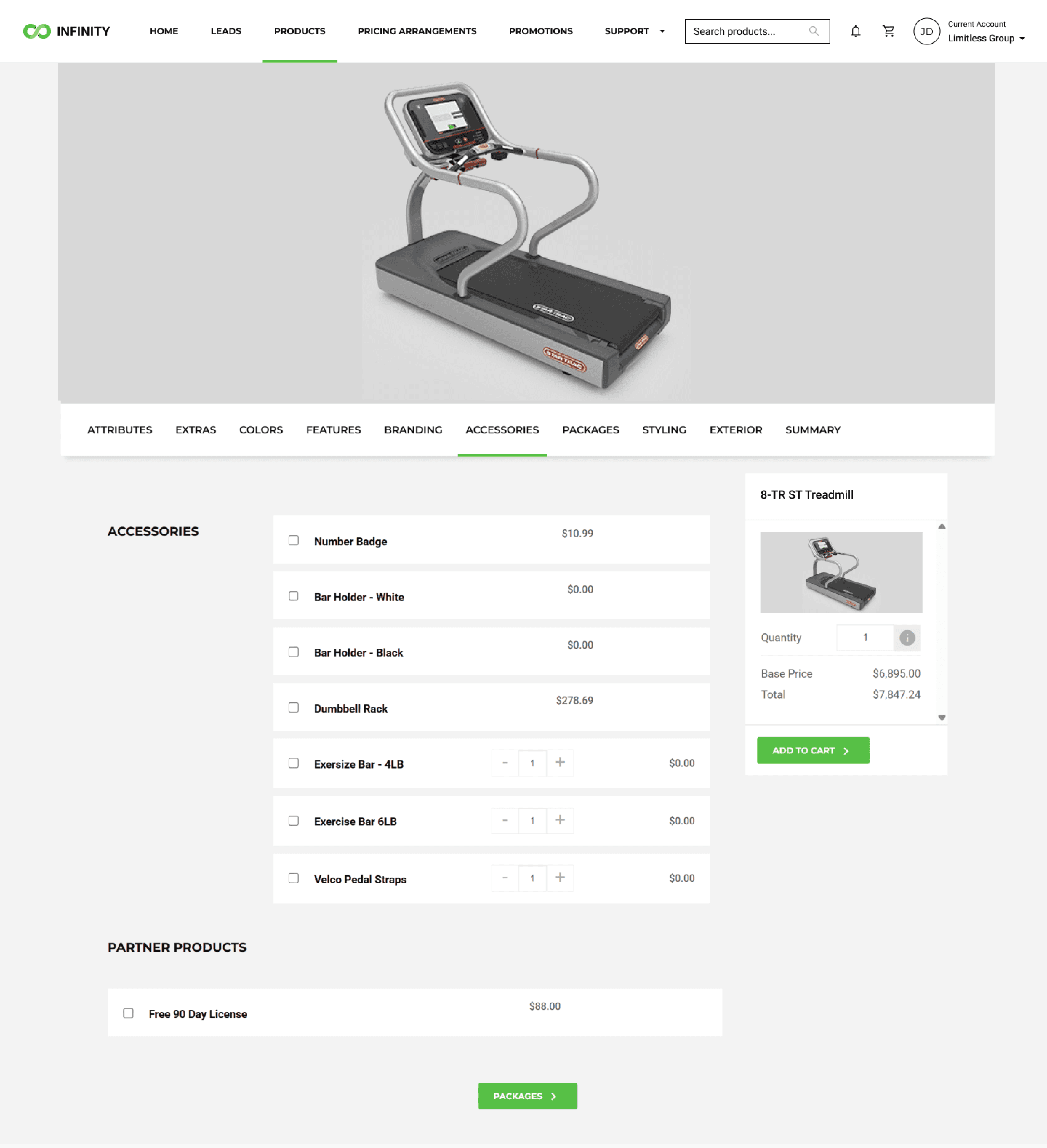
*A snapshot of one of the screen from End User legacy configurator.
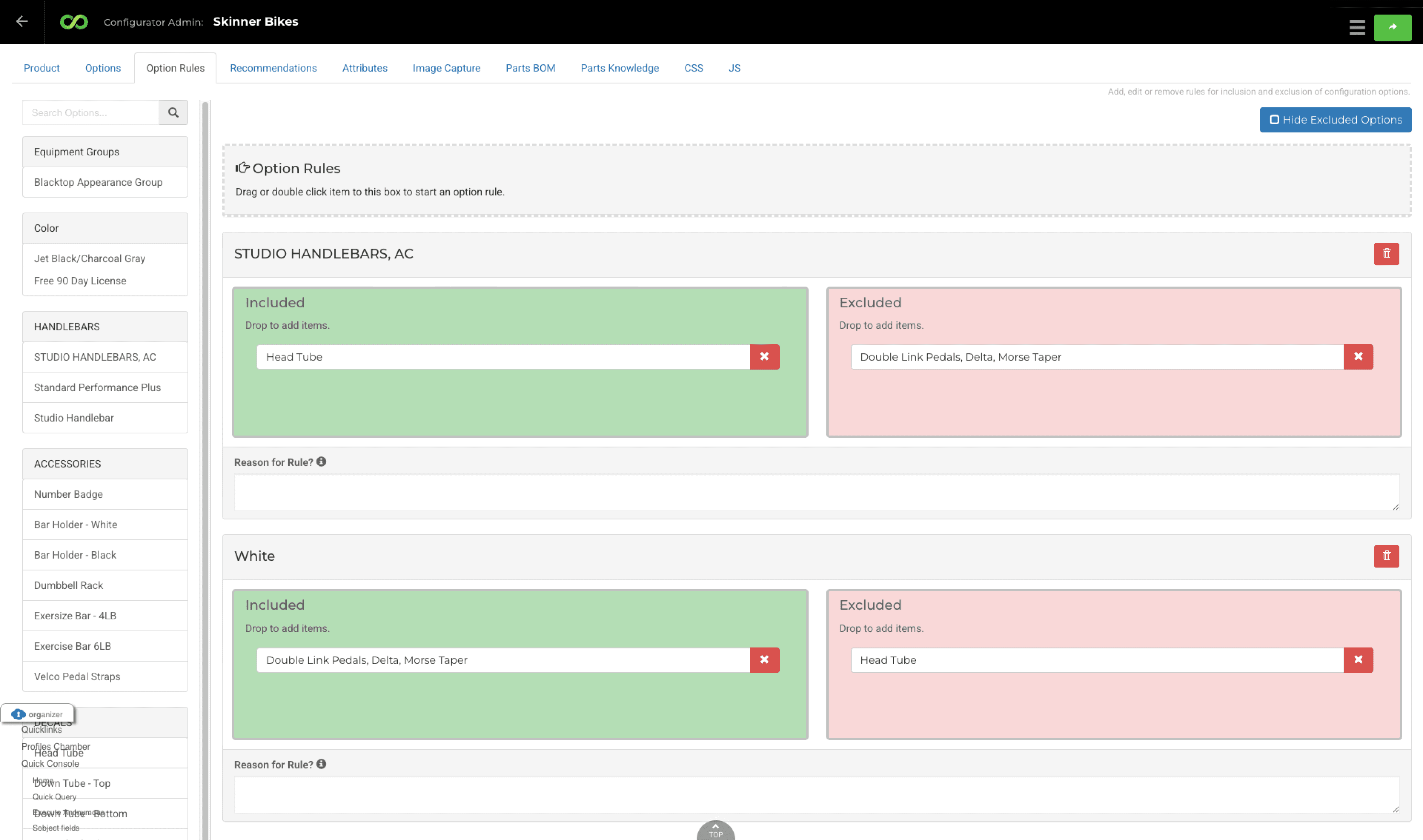
*A snapshot of one of the screen from Admin side of legacy configurator.
Shifting from Problems to Intent
We invited stakeholders from sales, ops, and admin into Miro workshops.
We circled:
Must-keep features
Pain points
Missing use-cases
Opportunities for AI assistance
Stakeholders usually describe symptoms. My job was to uncover the root causes behind them.
So I kept asking:
“What’s happening here?”
“What are you trying to achieve in this moment?”
“What slows you down?”
Those conversations shaped the foundation of our new system.
First Figma Iteration 👨🏻💻
Using our design system, Me and my colleague built the first full iteration.
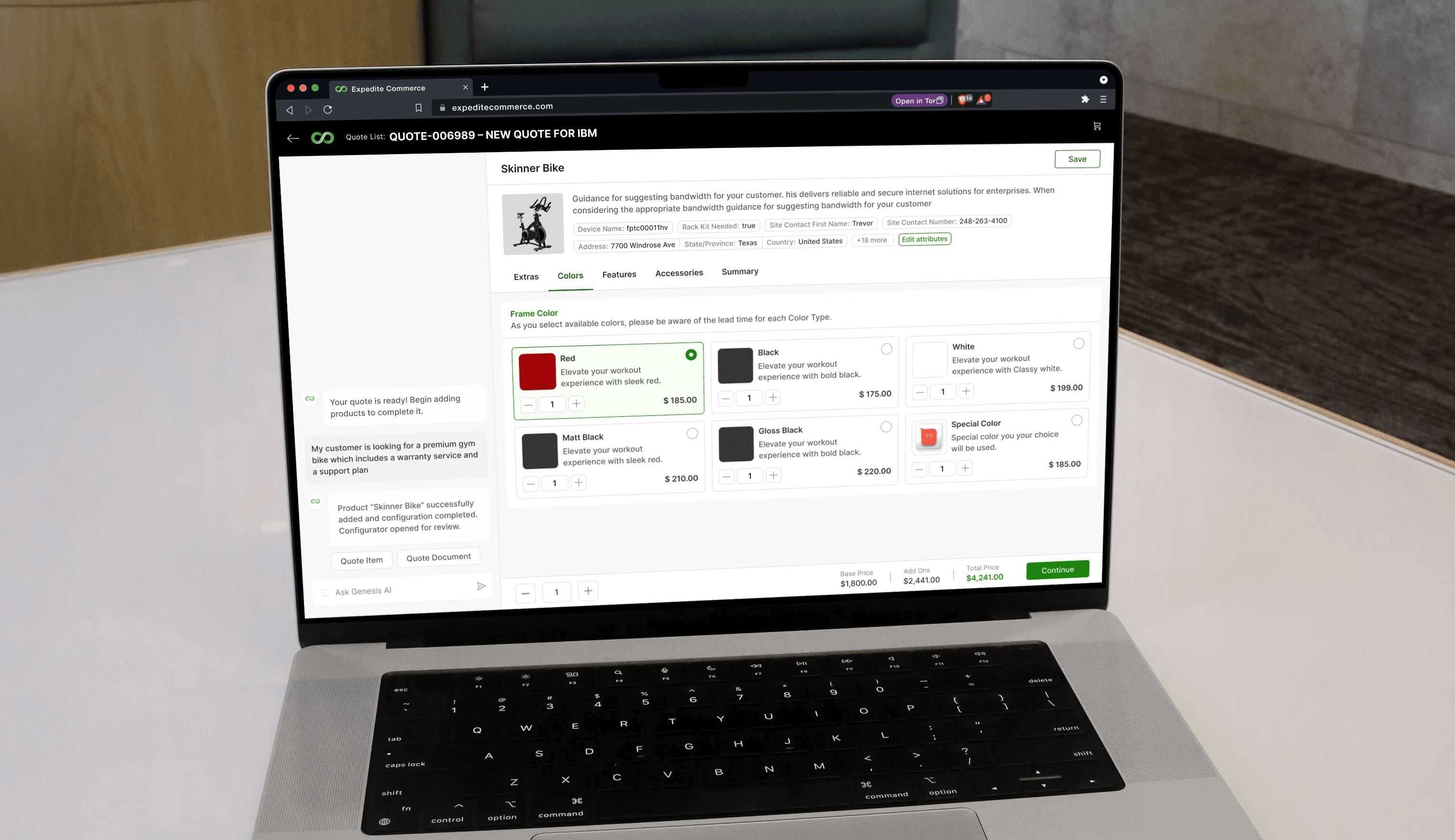
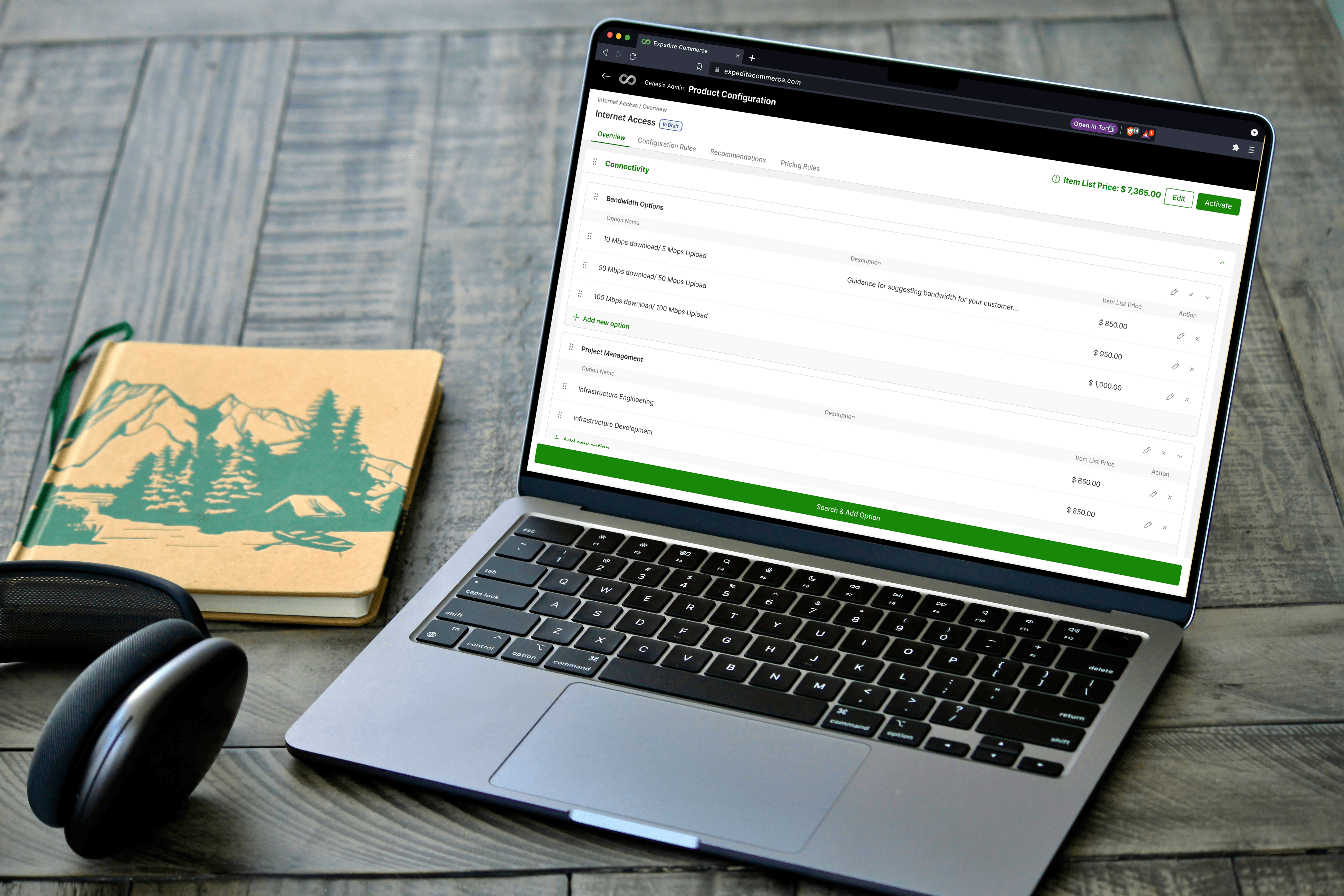
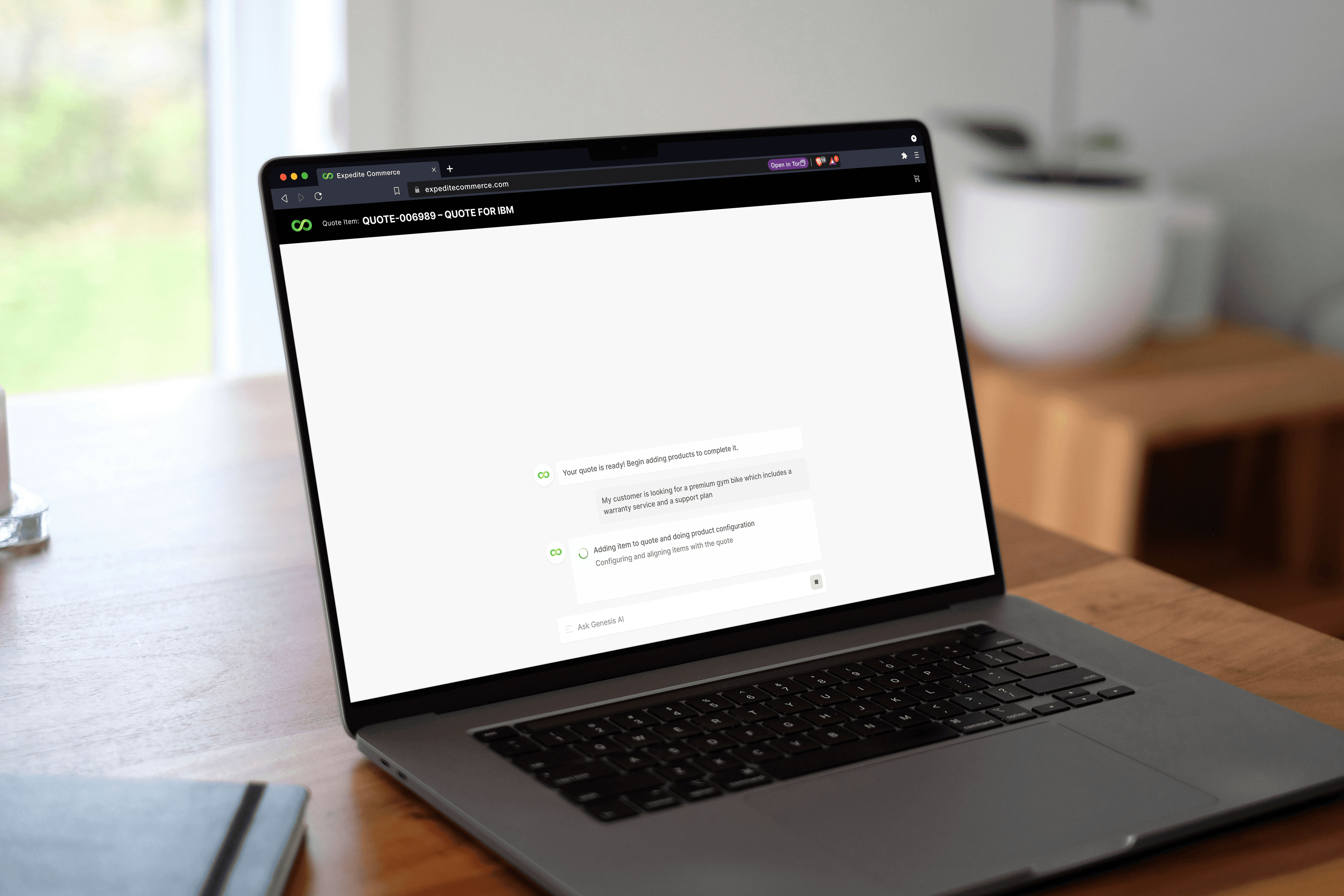
*A Mockup of one of the screen from End User newly designed configurator.
This case study is in progress ䷢
I’m actively refining the narrative and adding more design artifacts. More updates coming soon!